5 min read

Volunteer Management Made Simple with Better Impact: Webinar Recording

Volunteer Management Made Simple with Better Impact: Webinar Recording
10:12

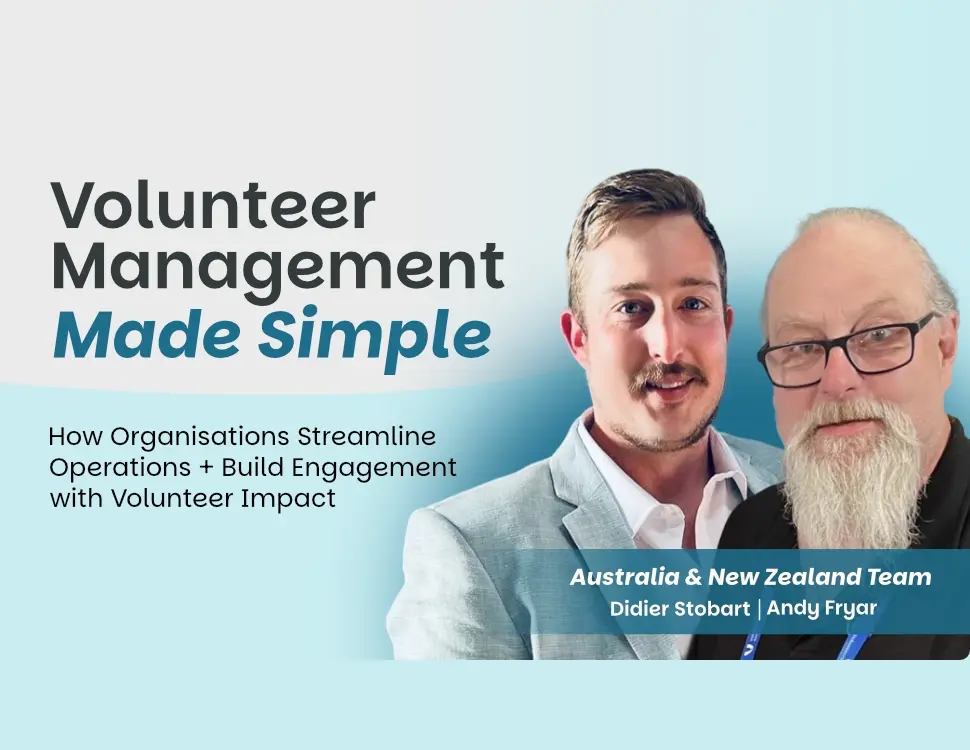
Many leaders of volunteers know they need better tools, but cost, time, and worries about tech-shy volunteers hold them back. In this session, Didier Stobart and Andy Fryar showed how volunteer technology can cut admin, empower volunteers, and free you up for the work that matters most, with a live look inside Volunteer Impact.

Recorded live on Thursday, November 19, 2026. Running time: about 48 minutes, including a live demo and audience Q&A.

PDU credit

Get a PDU certificate

Complete the form to receive your Certificate of Completion, which can be used towards earning Professional Development Units (PDUs).

Session materials

Download the resources

Access the slides and live chat from this session, plus a guide to help you compare volunteer management systems.

Session Slides
PPTX · Presentation slides · Didier Stobart & Andy Fryar

Live Chat Transcript
TXT · Recording chat from the session

Volunteer Management Software Buyer's Guide 2026
Guide · Better Impact

Key takeaways

  • Volunteers are more ready for technology than many leaders expect, a shift that accelerated during COVID.
  • Manual processes create a cycle of busy work that pulls you away from connecting with volunteers.
  • A fast first response matters. Delays after someone applies lead to drop-offs.
  • When volunteers can self-schedule, log hours, and complete training on their own, they gain ownership and you gain time.
  • Software isn't a magic bullet. It works best alongside strategy, planning, and a phased rollout.

What holds leaders of volunteers back

Andy opened by naming the common barriers to adopting a volunteer management system:

  • Cost: expectations around privacy and security keep rising, and so does the cost of meeting them.
  • Limited resources: many programs have one part-time person responsible for hundreds of volunteers, with no time to implement something new.
  • Leadership support: senior leaders don't always understand what good volunteer management involves, so the case for budget has to be made first.
  • Confidence with technology: often, it's the leader who worries most about how volunteers will cope.

That last concern has eased considerably since COVID, when many older volunteers started using apps and QR codes for the first time. Andy shared the story of Marge, a costumed volunteer at Sovereign Hill museum, on her first day logging in for a shift on a tablet. Her only question was what a tablet was. Once shown, she logged in and out electronically from then on.

Breaking the cycle of busy work

Manual processes create predictable problems:

  • Slow first responses. Paper applications can take days or weeks to process. Andy recalled visiting a hospital where a foot-high pile of applications sat on a chair, never followed up. Delays lead to drop-offs, and people move on.
  • Manual reminders. When shift reminders depend on someone remembering to call or email, they get missed, no-shows rise, and other volunteers pick up the slack.
  • Limited visibility. Opportunities pinned up in a volunteer room reach far fewer people than ones advertised online.
  • One-size-fits-all communication. A monthly newsletter can't reach everyone. People take in information in different ways.

The result is a cycle of busy work, where you spend more time coordinating than engaging. Time spent behind a computer is time not spent checking in with volunteers or simply managing by walking around.

What the right tools make possible

  • Self-directed onboarding: automated next steps that applicants complete on their own.
  • Self-scheduling: volunteers see where help is needed and fill gaps themselves.
  • Ongoing opportunities: new initiatives promoted beyond regular shifts.
  • Hours and feedback logged in the moment: accurate records and live insight from every shift.
  • Real-time data: when your CEO or board asks for a number, it's ready in seconds instead of hours.
  • Self-directed learning: volunteers review policies and complete training as part of onboarding.

A real-world example

For nearly 20 years, Andy led a hospital-based volunteer program in Adelaide with close to 1,000 volunteers across 12 locations and about 100 roles. The program received 50 to 60 new applications a month, all handled by phone and paper forms.

After moving to Better Impact, every inquiry was directed to an online application. Each applicant received an automated email explaining that an information session was the first required step, with instructions to log in and book a session themselves. Only people who attended moved on to orientation, so the team stopped scheduling interviews with applicants who weren't committed. That one change saved hundreds of hours of admin each year, and by the time staff met new volunteers, they already knew a lot about them.

The empowered volunteer experience

When volunteers own their experience, choosing when and how they help, they build loyalty to your cause and stay engaged longer. They can even fill gaps before you know there's a problem. Organizations typically see:

  • Higher participation and retention
  • Stronger relationships with volunteers
  • Leaders focused on strategy instead of day-to-day coordination
  • More word-of-mouth recruitment from a satisfied team

Inside the demo

Didier walked through Volunteer Impact as an end-to-end system, from first click to reporting.

Recruitment and applications

A branded landing page connects to your website, a link, or a QR code. Applicants create an account with just an email address, then complete a customizable application covering availability, role interests, qualifications, and custom fields, including file uploads and e-signatures for required agreements. Qualifications act as safeguards, such as requiring a driver's license for driving roles, and expiry dates trigger alerts. After applying, volunteers automatically receive their next steps, whether that's booking an interview or starting e-learning.

The volunteer portal and MyImpact app

Most volunteers use the MyImpact app. They can see upcoming shifts, sync with their personal calendar, earn badges, read newsletters, and sign up for shifts they're qualified for. Volunteers can clock in and out by app or QR code name tag, answer feedback questions when logging hours, update their details, complete training, and turn on accessibility tools like a screen reader, higher contrast, larger text, and a dyslexia-friendly font.

Tools for administrators

Administrators get their own logins, with limited roles available for teams like marketing or board members. The dashboard shows alerts, expiring qualifications, who's currently on the clock, and where applicants are in the process, with bulk email and text options. The rostering calendar highlights gaps, and you can assign qualified volunteers or invite them to sign up. Built-in and custom reports cover hours, feedback trends, and any field in the system, and your organization owns its data and can export it at any time. A survey tool supports regular check-ins, post-event, and exit surveys.

Getting started

You don't need to use every feature on day one. Many organizations start with their most pressing needs and add features over the following 6 to 12 months, with training for administrators along the way. Pricing depends on the size of your organization and the number of volunteers, so the best next step is a conversation about your program.

For organizations ready to move forward, sign up by December 31, 2026 to receive two months free on your first annual subscription.

From the Q&A

What does the app look like from a volunteer's perspective?

Didier demonstrated the MyImpact app live. Volunteers start and stop the clock with one tap, answering any feedback questions as they clock out. From the home screen, they can see personal messages, newsletters, hours, and their schedule, browse open shifts and sign up in a few taps, remove themselves from a shift within the allowed time frame, complete e-learning, and update their profile or sign documents.

Keep learning

Meet the presenters

Didier Stobart

Didier Stobart

Didier Stobart helps organisations manage volunteers with Better Impact's end-to-end volunteer management software. With a practical understanding of the full volunteer lifecycle, he supports organisations in streamlining administration, improving access to information, and using Volunteer Impact to create stronger, more sustainable volunteer engagement.

Andy Fryar

Andy Fryar

Andy Fryar is part of Better Impact's Asia Pacific team and has spent more than 30 years working in volunteer management, training, advocacy, and resource development. He is also the Founder and Director of OzVPM, bringing deep sector experience to help organisations strengthen volunteer programs through practical systems and smarter workflows.

See Volunteer Impact in action for your program

Book a personalized demo to talk through your organization's needs. Sign up by December 31, 2026 and get two months free on your first annual subscription.

Book a demo
Nonprofit Marketing for Volunteer Recruitment: Webinar Recording

Nonprofit Marketing for Volunteer Recruitment: Webinar Recording

Promoting your volunteer opportunities is only half the job. In this session, Malou de Gracia of Getting Attention and Julian Eiers of Better Impact...
Read More
From Volunteer Manager to Volunteer Leader: Webinar Recording and Key Takeaways

From Volunteer Manager to Volunteer Leader: Webinar Recording and Key Takeaways

Most people don't set out to become volunteer leaders. They inherit a spreadsheet, a binder, and a long list of responsibilities, then figure it out...

Read More
SEEK Volunteer + Better Impact Integration | Live Demo

SEEK Volunteer + Better Impact Integration | Live Demo

If you advertise roles on SEEK Volunteer and manage your volunteers in Better Impact, you know the drill. Someone applies on SEEK Volunteer, you get...

Read More